
-
×
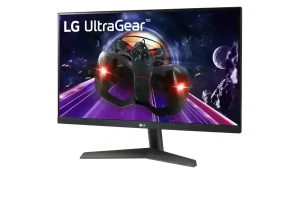
 LG 24MP400-B 24” Full HD (1920 x 1080) IPS Monitor with 3-Side Virtually Borderless Design
1.190,24 ر.س
LG 24MP400-B 24” Full HD (1920 x 1080) IPS Monitor with 3-Side Virtually Borderless Design
1.190,24 ر.س -
×
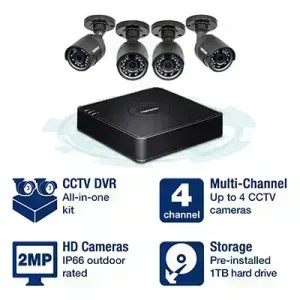 TV-DVR104K 4-Channel HD CCTV DVR Surveillance Kit
1.023,50 ر.س
TV-DVR104K 4-Channel HD CCTV DVR Surveillance Kit
1.023,50 ر.س -
×
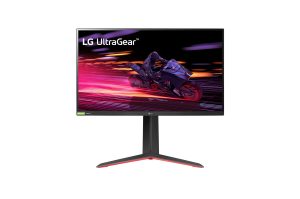
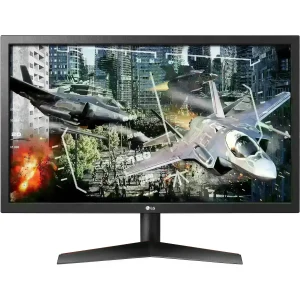 LG 24" Class UltraGear Gaming Monitor 144Hz 1ms
1.700,84 ر.س
LG 24" Class UltraGear Gaming Monitor 144Hz 1ms
1.700,84 ر.س -
×
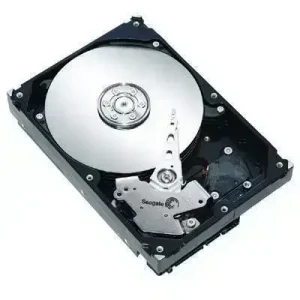 Additional Hard Drive (HDD) -2TB Near Line SAS 7.2K RPM 12Gbps
2.504,70 ر.س
Additional Hard Drive (HDD) -2TB Near Line SAS 7.2K RPM 12Gbps
2.504,70 ر.س -
×
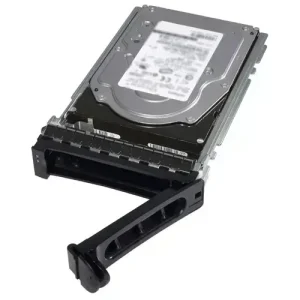 Additional Hard Drive (HDD) -600GB 15K RPM SAS 12Gbps
1.707,75 ر.س
Additional Hard Drive (HDD) -600GB 15K RPM SAS 12Gbps
1.707,75 ر.س -
×
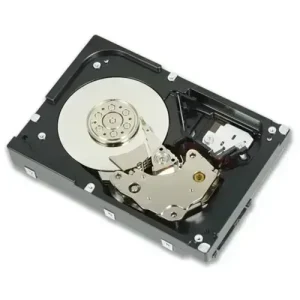 Additional Hard Drive (HDD) -600GB 10K RPM SAS 12Gbps
1.125,85 ر.س
Additional Hard Drive (HDD) -600GB 10K RPM SAS 12Gbps
1.125,85 ر.س -
×
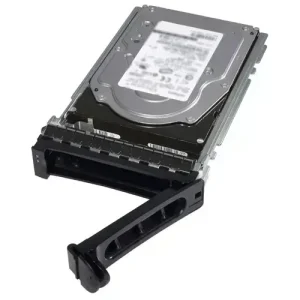 Additional Hard Drive (HDD)-300GB 15K RPM SAS 12Gbps
1.252,35 ر.س
Additional Hard Drive (HDD)-300GB 15K RPM SAS 12Gbps
1.252,35 ر.س -
×
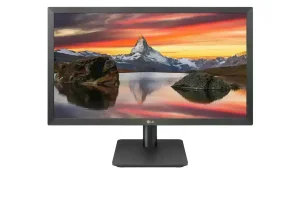 LG 22MP410-B 22” Full HD (1920 x 1080) VA Display with AMD FreeSync
450,22 ر.س
LG 22MP410-B 22” Full HD (1920 x 1080) VA Display with AMD FreeSync
450,22 ر.س -
×
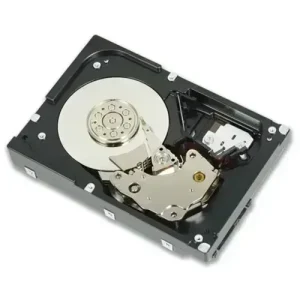 Additional Hard Drive (HDD) -1.8TB 10K RPM SAS 12Gbps
5.034,70 ر.س
Additional Hard Drive (HDD) -1.8TB 10K RPM SAS 12Gbps
5.034,70 ر.س -
×
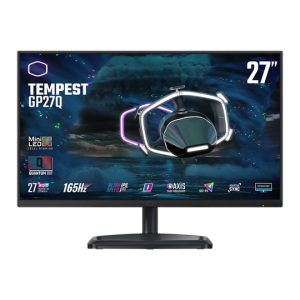 CoolerMaster MONITOR GP27FQS WQHD 27" WQHD, 2.1 HDMI, 165Hz, 1ms (TPC) ,Ultra-IPS
1.250,00 ر.س
CoolerMaster MONITOR GP27FQS WQHD 27" WQHD, 2.1 HDMI, 165Hz, 1ms (TPC) ,Ultra-IPS
1.250,00 ر.س -
×
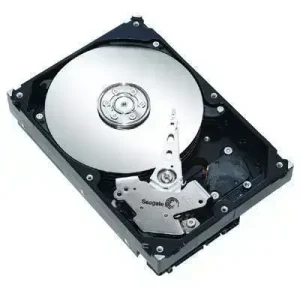 Additional Hard Drive - 6TB SAS 7.2K RPM SAS 12Gbps
2.518,50 ر.س
Additional Hard Drive - 6TB SAS 7.2K RPM SAS 12Gbps
2.518,50 ر.س -
×
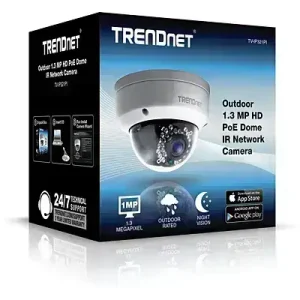 TV-IP321PI Indoor / Outdoor 1.3 MP HD PoE Dome IR Network Camera
339,25 ر.س
TV-IP321PI Indoor / Outdoor 1.3 MP HD PoE Dome IR Network Camera
339,25 ر.س -
×
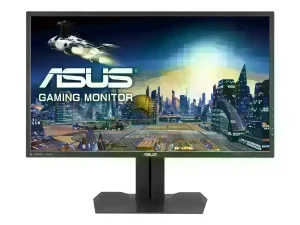 ASUS MG279Q, 27 Inch WQHD (2560 x 1440) Gaming Monitor, IPS, Up to 144 Hz, DP, mini-DP, HDMI, USB 3.0, FreeSync
1.315,60 ر.س
ASUS MG279Q, 27 Inch WQHD (2560 x 1440) Gaming Monitor, IPS, Up to 144 Hz, DP, mini-DP, HDMI, USB 3.0, FreeSync
1.315,60 ر.س -
×
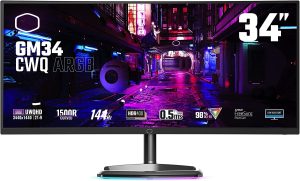
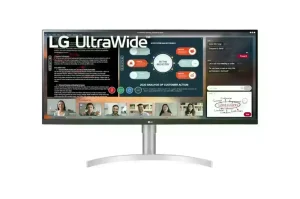 LG 34WN650-W UltraWide Monitor 34" 21:9 FHD (2560 x 1080) IPS Display
1.490,40 ر.س
LG 34WN650-W UltraWide Monitor 34" 21:9 FHD (2560 x 1080) IPS Display
1.490,40 ر.س
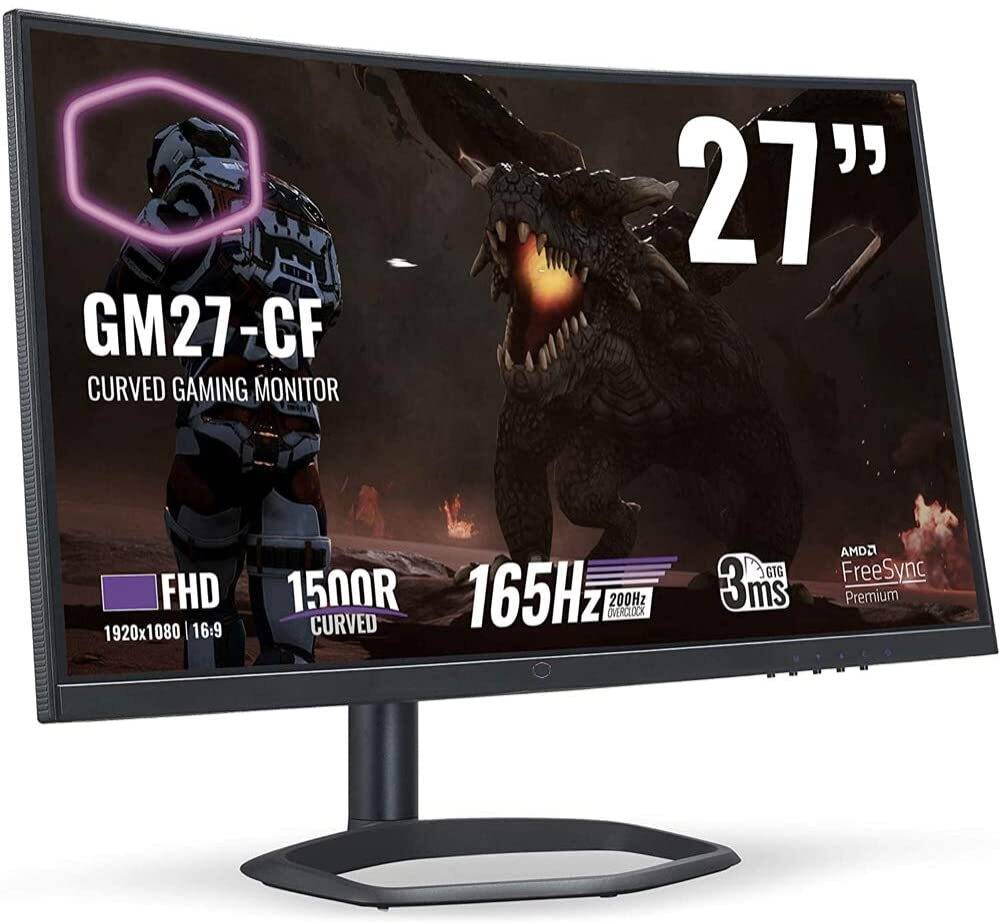
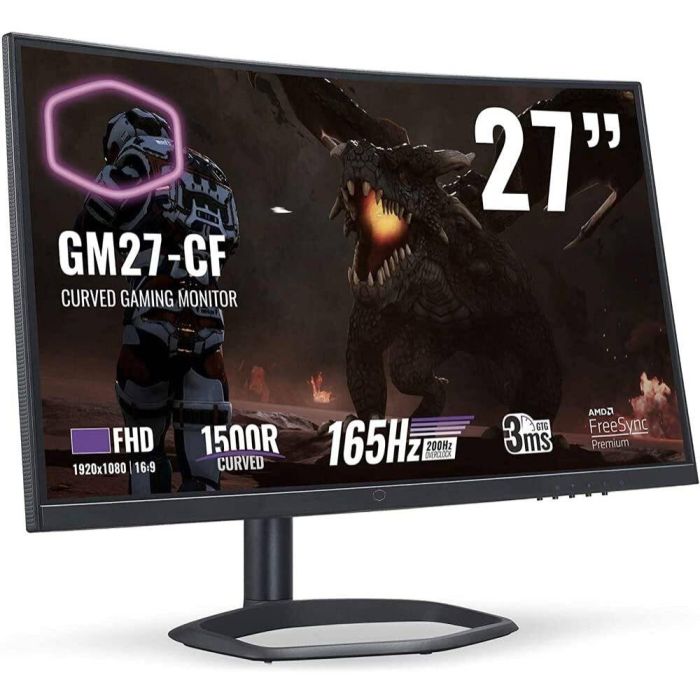
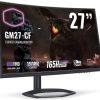
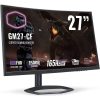
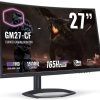
Cooler Master GM27-CF 27″ Full HD Curved
Monitor
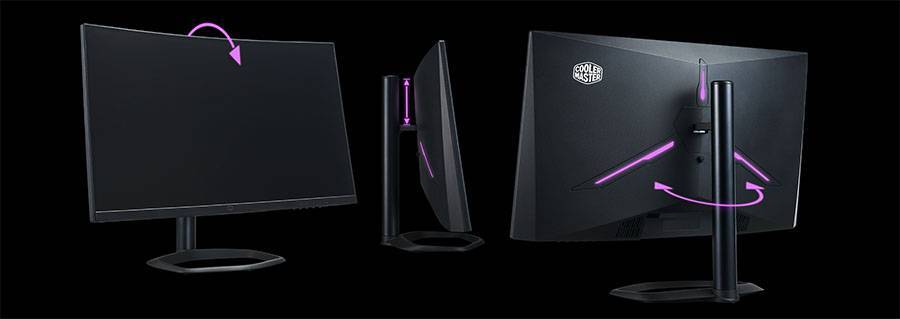
Design and Ergonomics
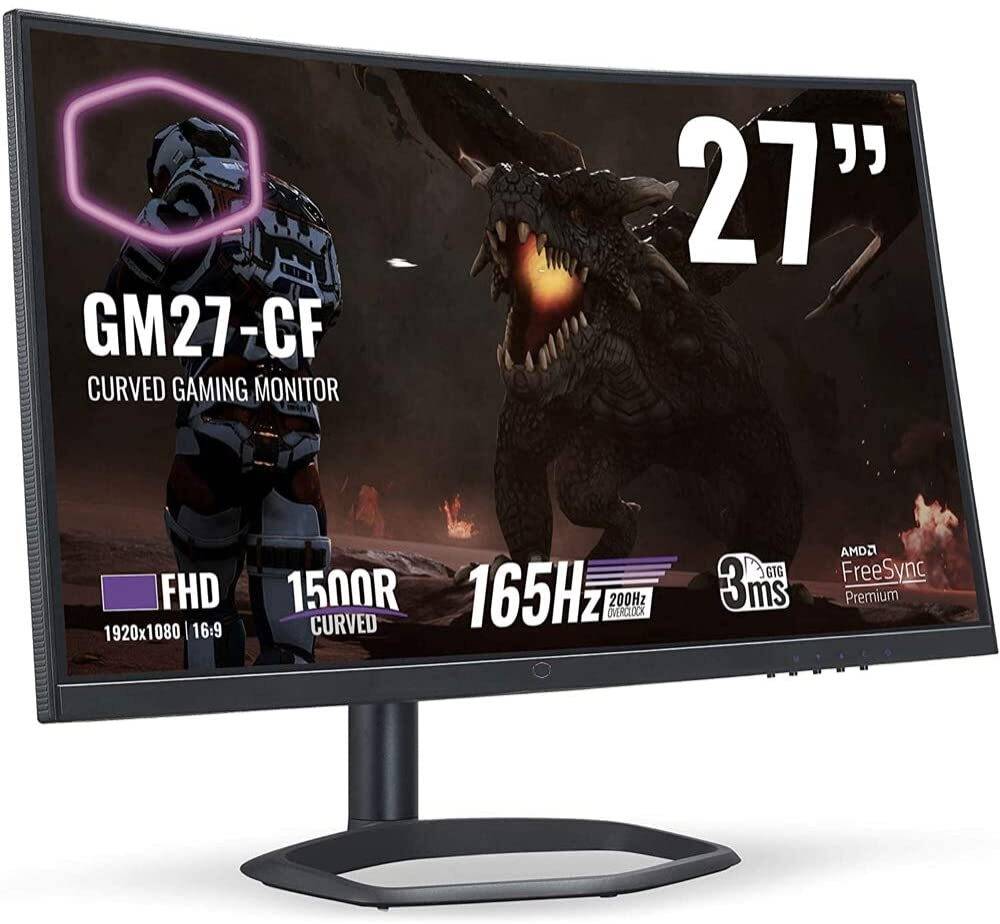
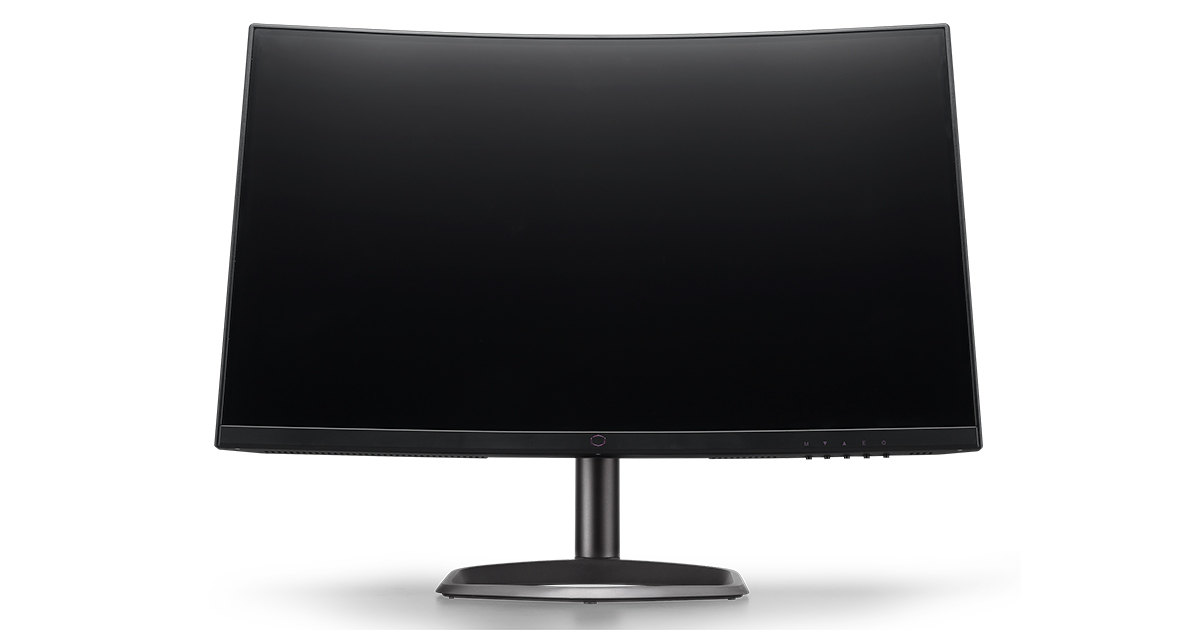
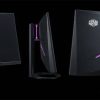
Above: front views of the screen, s
The GM27-CF comes in a black and dark grey
design, with matte plastics used for the bezel and rear enclosure.
There is a
thin 5mm black plastic edge to the screen along the sides and top, and then an
additional 6mm black panel border before
the image starts (total edge = 11mm).
Along the bottom edge is a thicker 17mm bezel and then an additional 3mm black
panel border.
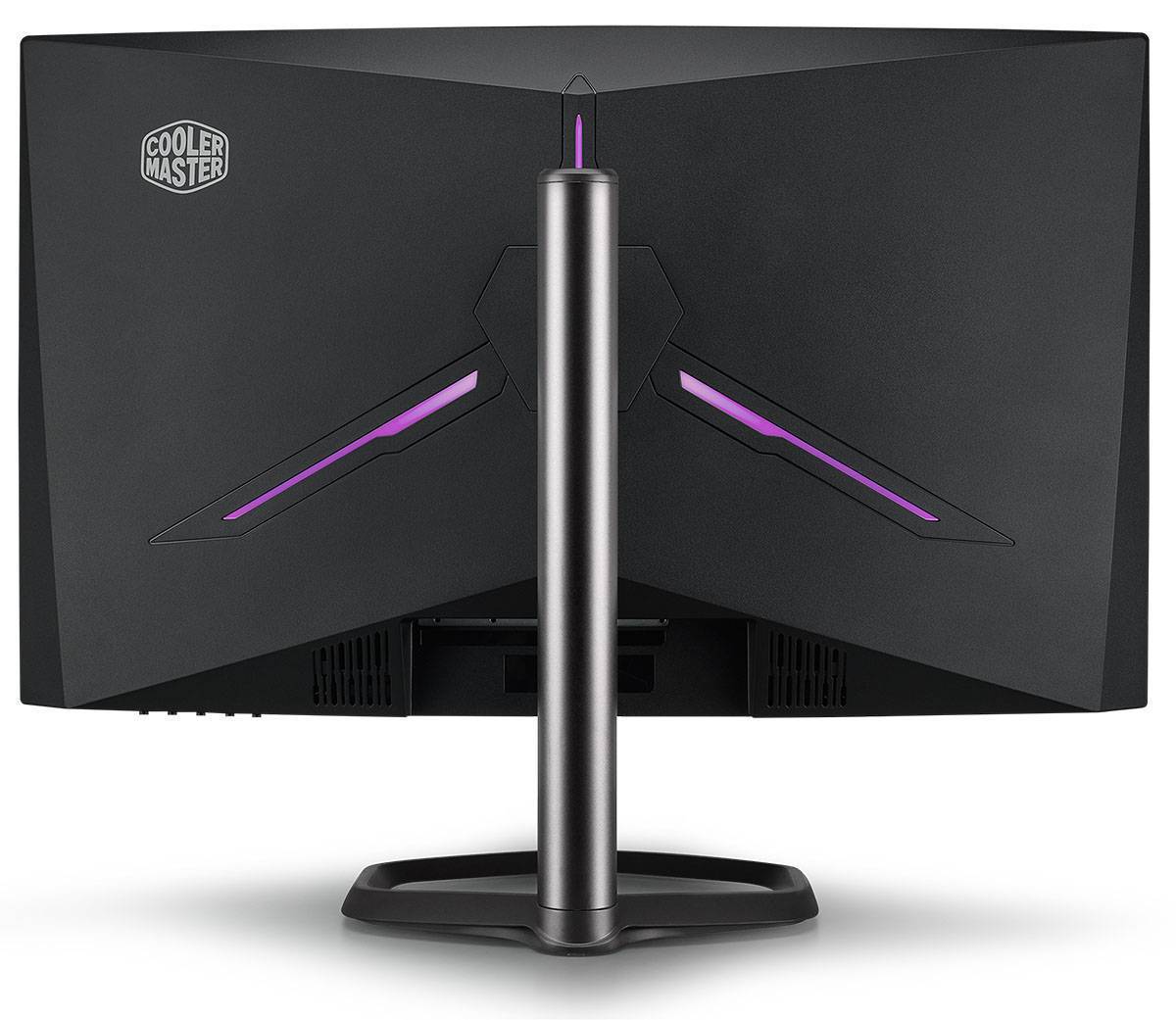
Above:
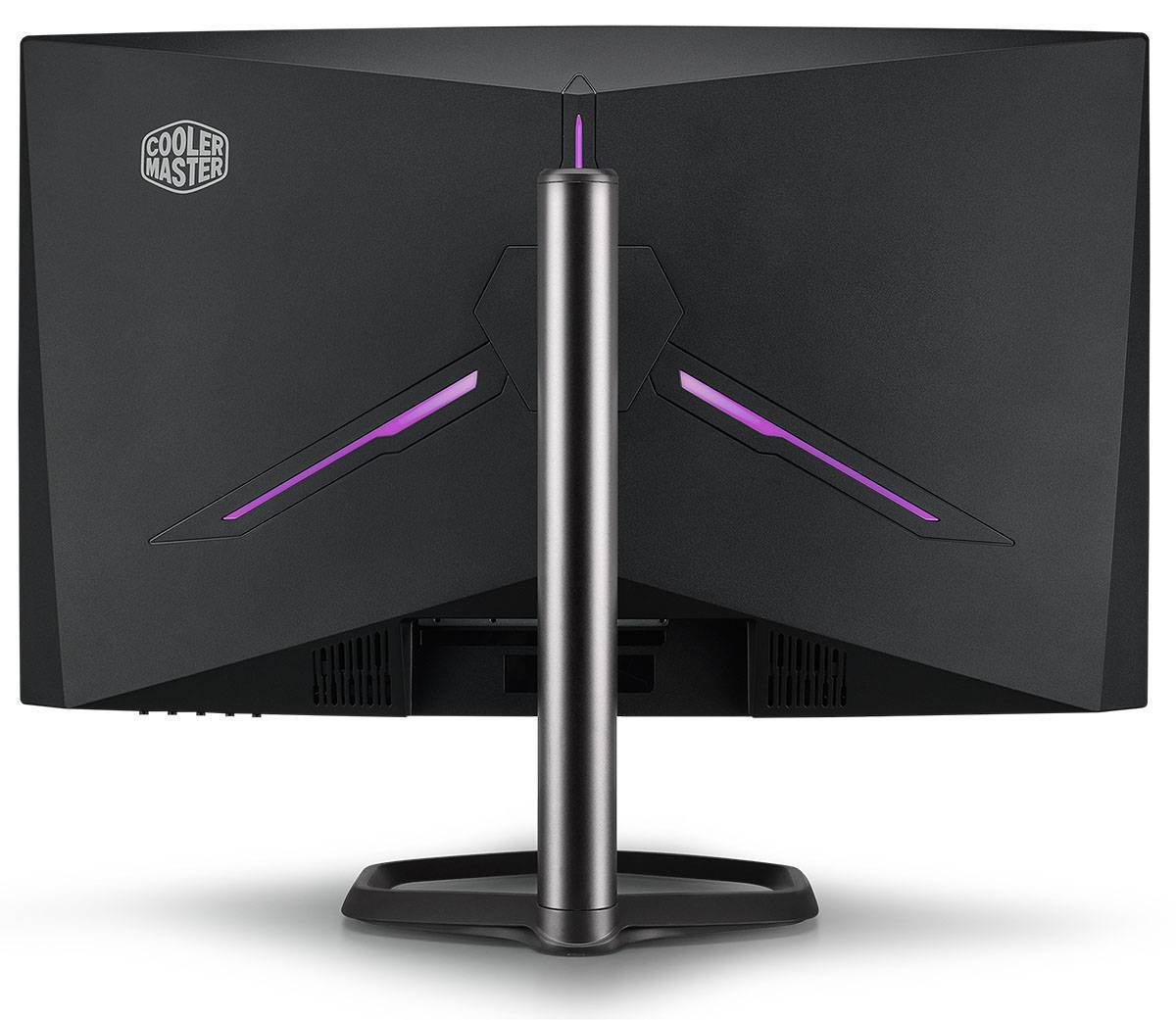
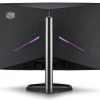
rear views of the screen. s
The back of the screen is encased in a matte
black plastic for a fairly simple and smooth design.
The stand connects in to
the middle with a quick release mechanism and is a sturdy metal design.
It has a
dark silver aluminium arm and foot, which is again in the shape of the Cooler
Master logo.
You have to screw the stand together in a couple of places before
it is attached to the screen but that’s simple enough.
The back of the screen
also features a simple LED lighting feature which glows purple when turned on.
You can also set this to flicker in the OSD menu or turn it off altogether, but
there are no other colours or settings available.
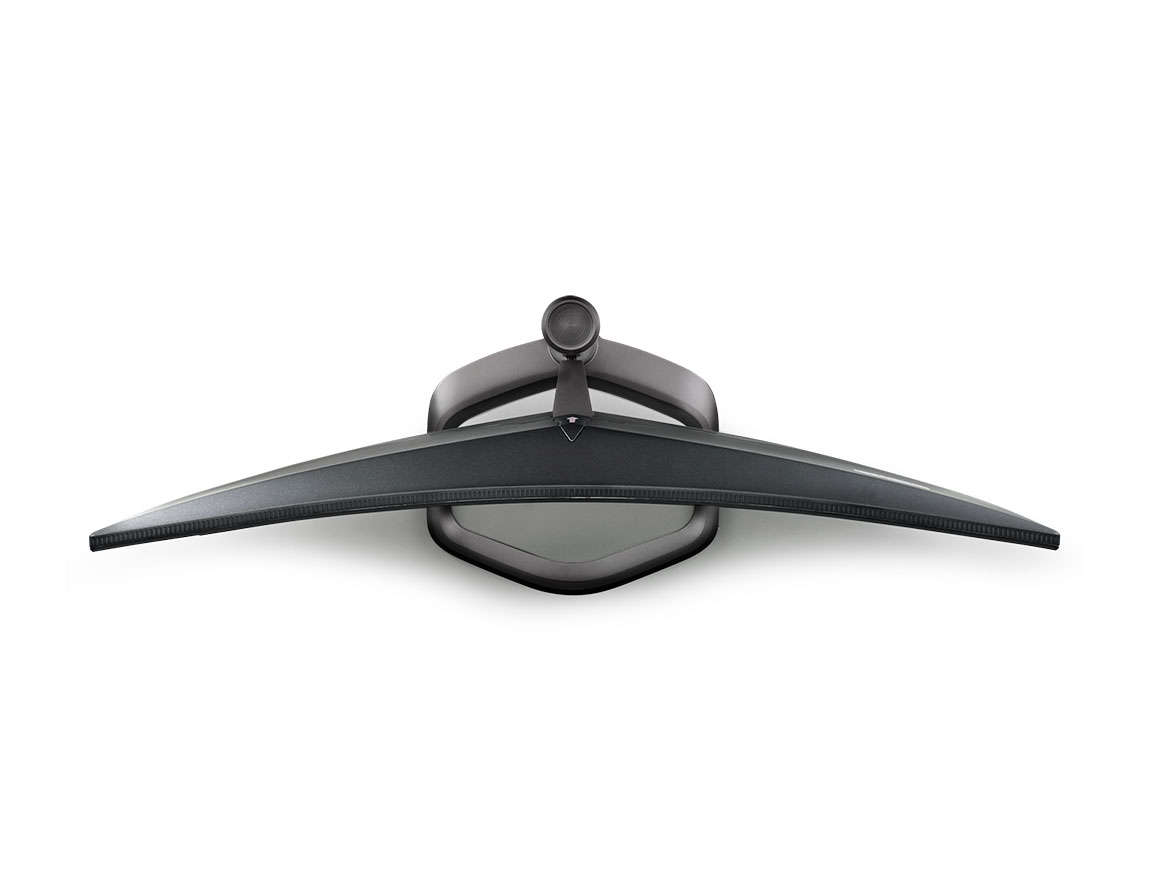
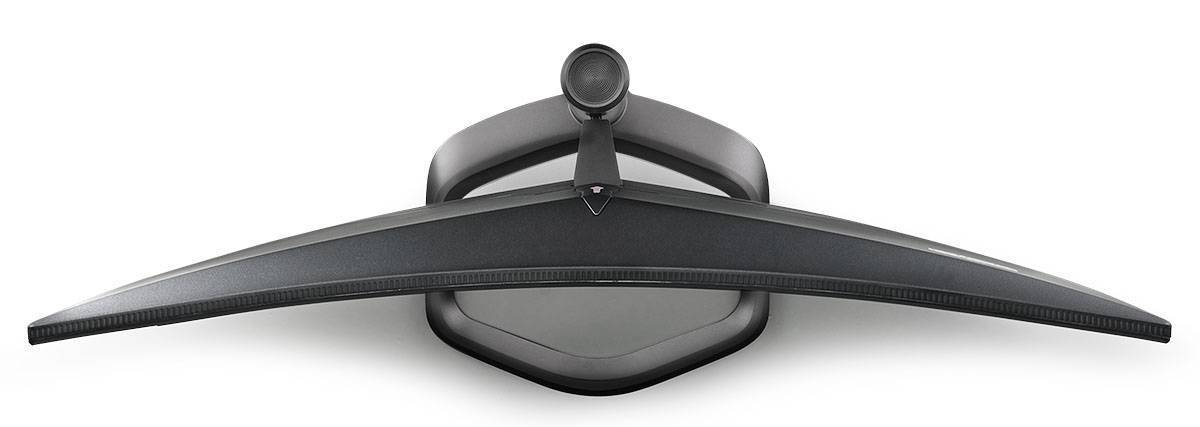
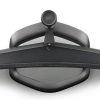
Above: top
down view of the screen,
The stand is pretty strong and sturdy with
its metal design.
There is a reasonably thin overall profile to the screen, and
you can see the subtle screen curvature in the image above.
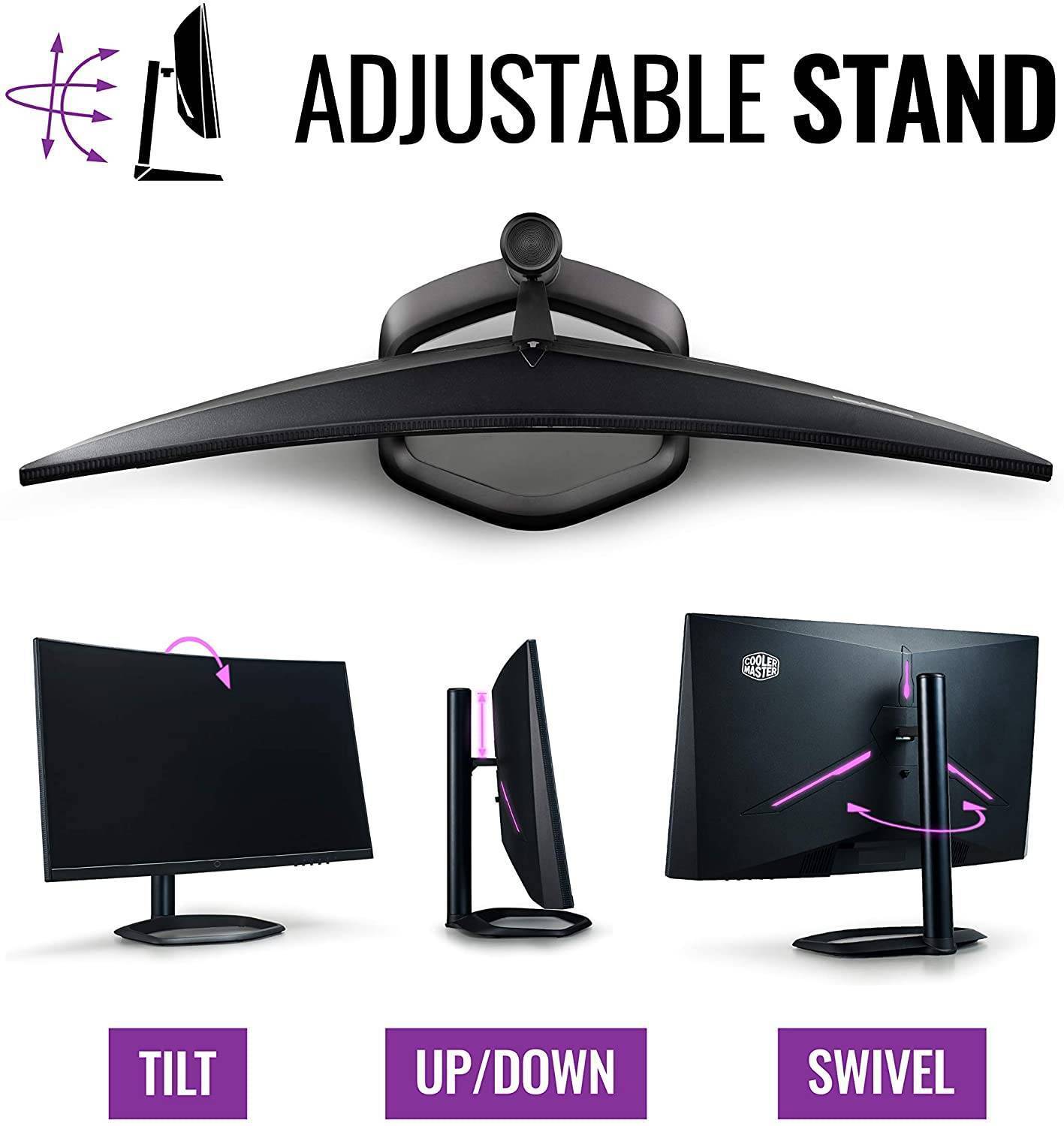
Above:
side view of the screen.
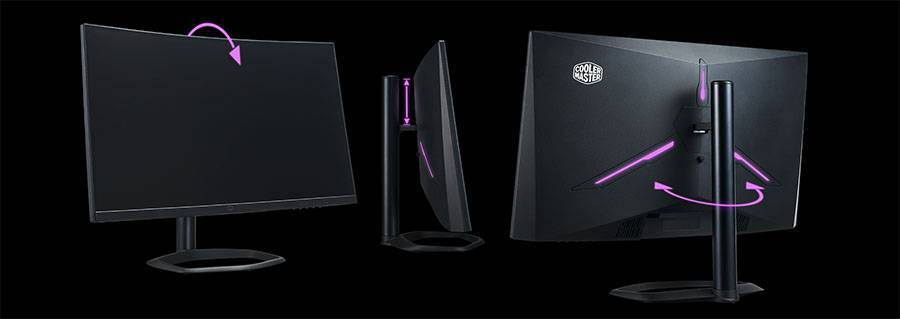
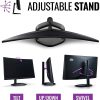
The stand offers a fairly decent range of
ergonomic adjustments with tilt, height and swivel provided.
Tilt is smooth and
very easy to move although it doesn’t tilt backwards very much so depending on
your viewing position the screen
it self it can feel a bit upright. We would have
liked a bit more flexibility to tilt it backwards. Height adjustment is smooth
and easy as well.
At the lowest setting the bottom edge of the screen is ~55mm
from the top of the desk, and at maximum extension it is ~165mm,
giving a total
110mm adjustment range as advertised. Side to side swivel is smooth although a
little stiff, so sometimes you
up moving the whole screen at once. There’s
no rotation function offered on this screen as it’s impractical on a curved
format display.
There is a bit of wobble to the screen when you move it around
as the stand attachment on the back is quite small.
Related products